Adjusting the manager
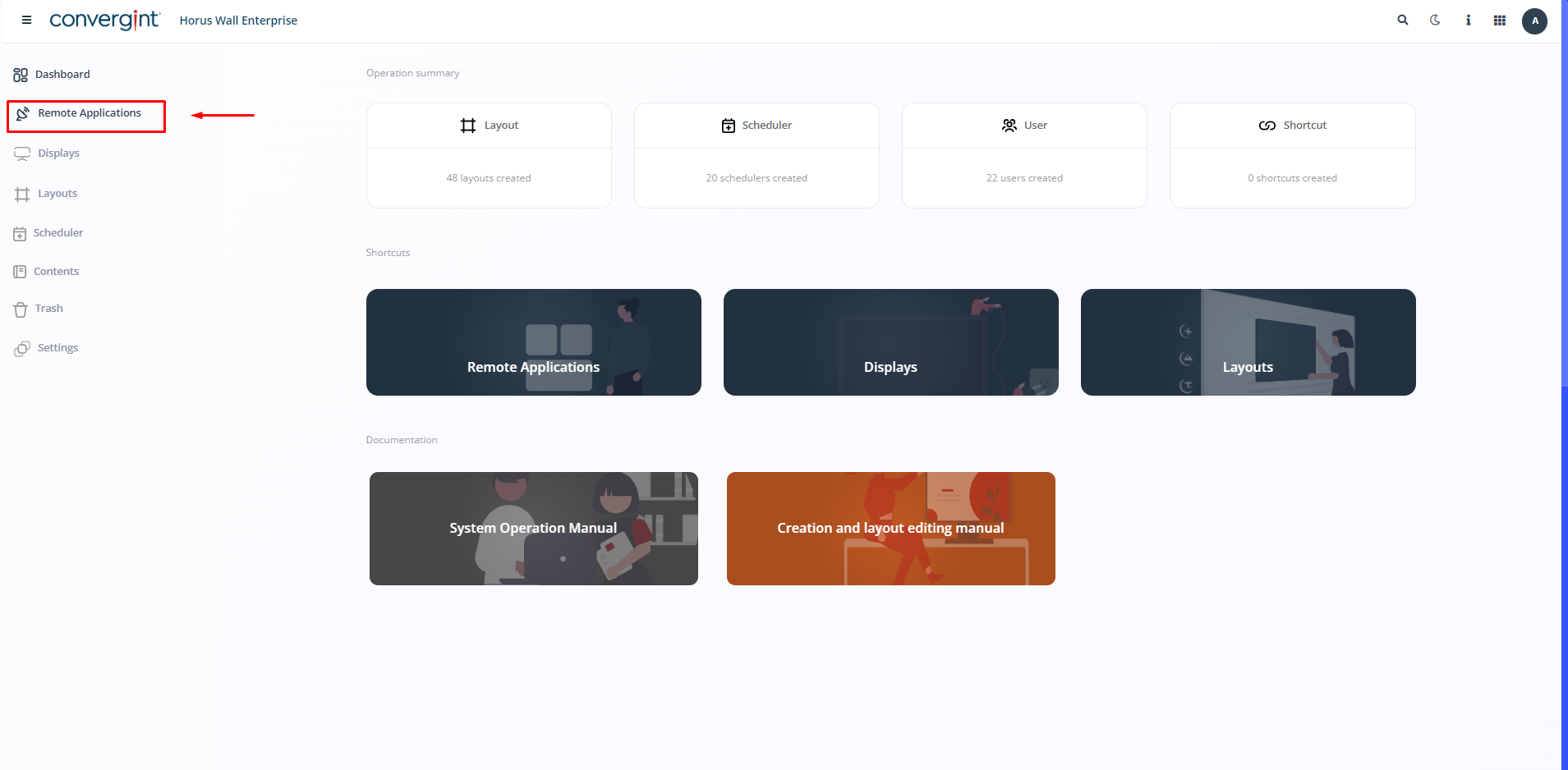
The first step in adjusting the Manager is to access the “Remote Applications” tab. This tab allows you to create the application you want to run on the displays, as well as changing its size and position within the screen layout.
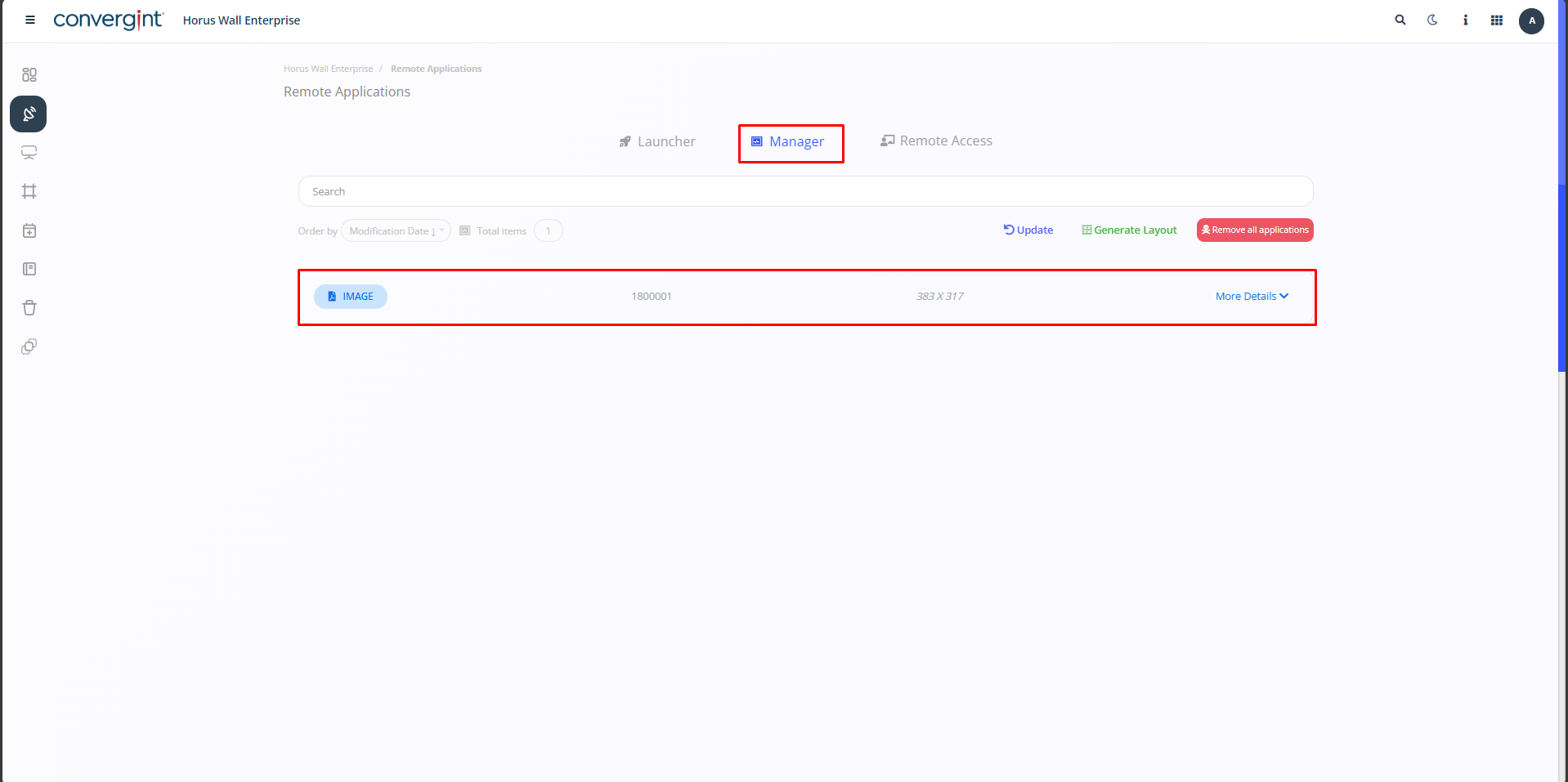
After accessing the corresponding tab, enter the “Manager” option and see below the applications that have been launched.
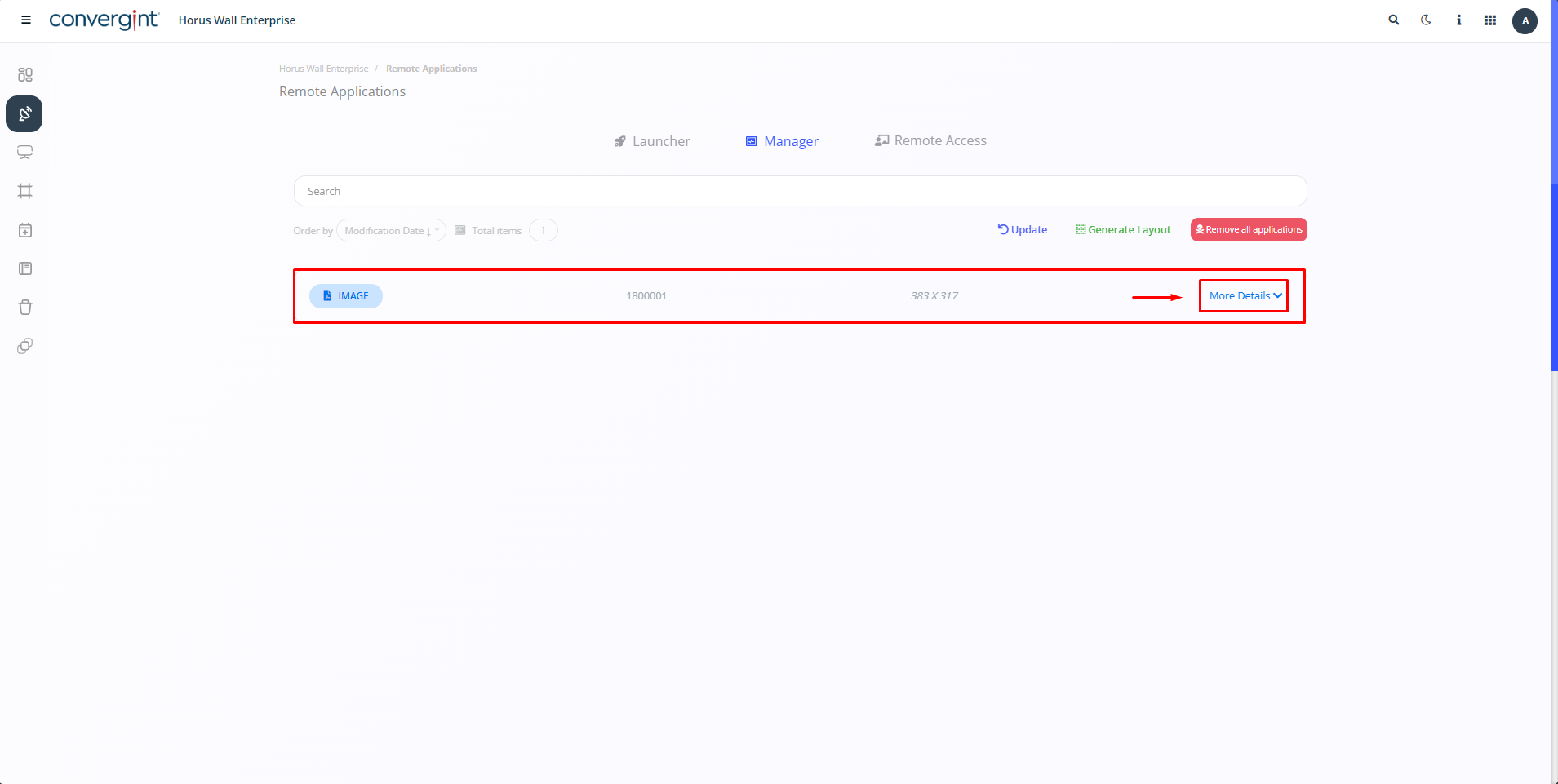
Click on the icon located in the top right-hand corner under “More Details” of an application that has been launched and that you want to adjust.
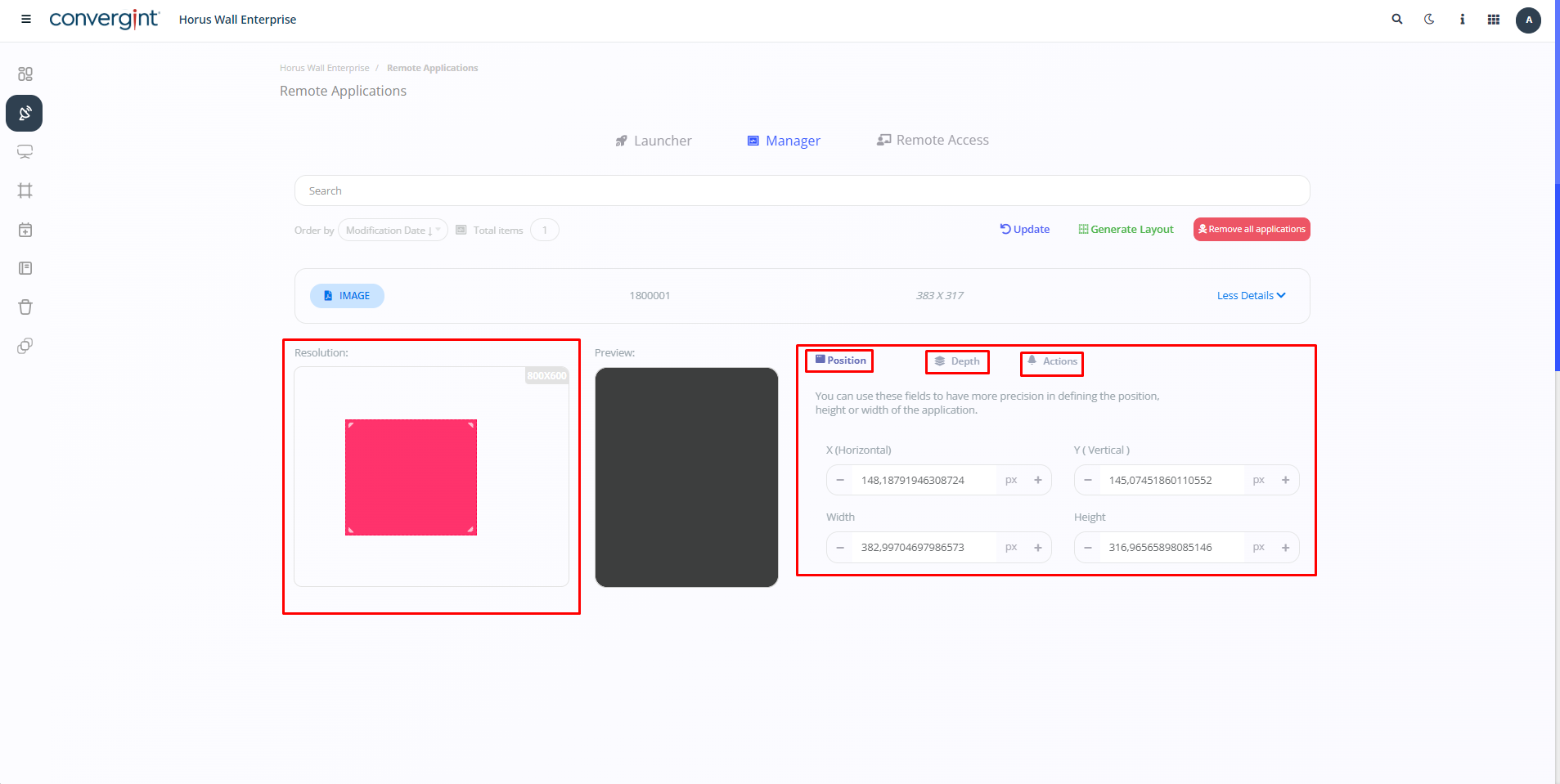
Once you've clicked, you'll have the option of adjusting the application to your preference.
Observation.: To access the “Manager” option, you first need to launch an application.